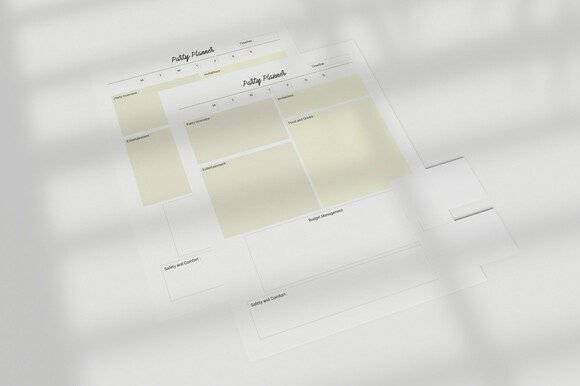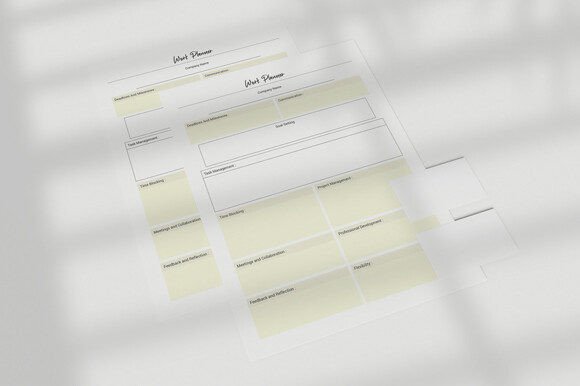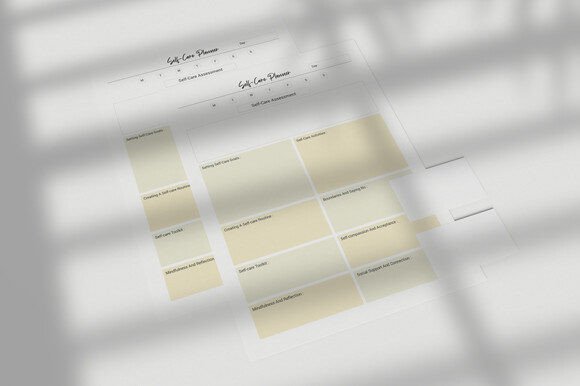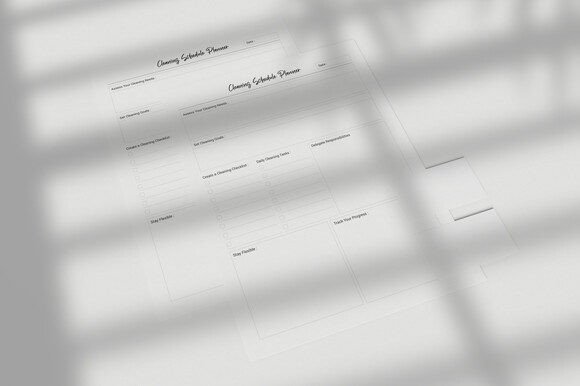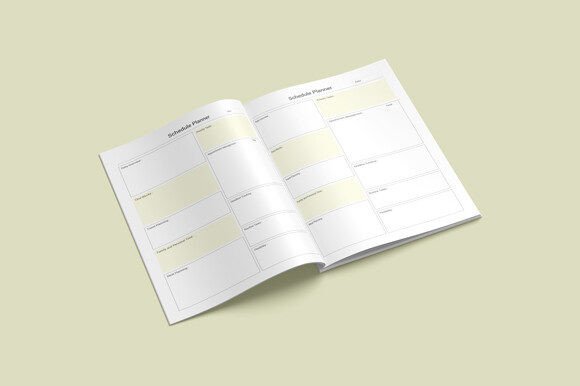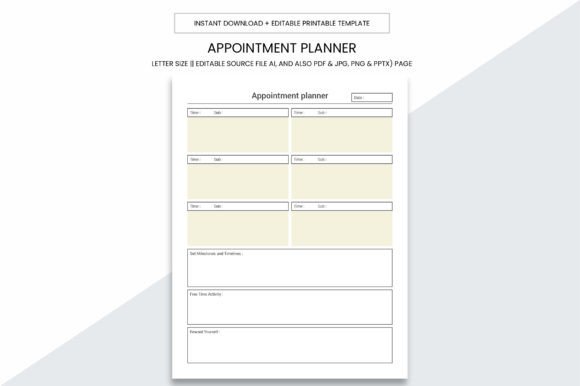
Appointment Planner Printable Template
If you’ve ever missed a client call, double-booked a consultation, or scrambled to recall when your next follow-up is due—this Appointment Planner Printable Template was designed with you in mind. It’s not just another calendar grid or generic planner. It’s a purpose-built, professionally formatted system that works across personal life, freelance scheduling, small business operations, and even KDP publishing—without requiring software subscriptions, app logins, or tech setup.
Why This Isn’t Just Another Downloadable Planner
Many people assume all printable planners are interchangeable—until they try printing one and discover missing margins, blurry text, or incompatible file formats. This Appointment Planner Printable Template avoids those pitfalls by design: it’s sized precisely at 8.5 x 11 inches (standard letter), has no bleed (so nothing gets cut off on home or office printers), and delivers clean, high-resolution output at 300 PPI—meaning crisp lines, legible fonts, and professional-grade results every time.
What sets it apart isn’t just aesthetics—it’s flexibility. You get editable source files in Adobe Illustrator (.Ai), plus ready-to-print versions in PDF, JPG, PNG, and even PowerPoint (.PPTX). That means you can customize colors, add your logo, adjust time slots, or repurpose pages for different workflows—then print locally, share digitally, or upload directly to Kindle Direct Publishing.
Common Oversights—and How They Cost Time and Clarity
Mistake #1: Assuming “printable” means “plug-and-play.” Some templates look great on screen but fail when printed—text runs off the edge, grids misalign, or grayscale versions lose critical contrast. This Appointment Planner Printable Template was built with real-world printing in mind: tested across inkjet and laser printers, optimized for both color and black-and-white output, and structured so headers, time blocks, and notes sections stay perfectly legible—even after multiple photocopies or scans.
Mistake #2: Overlooking file compatibility before purchase. You might download a “PDF-only” planner only to realize later you need to insert your business name or change appointment durations—and can’t edit it without specialized software. With this template, the included .Ai file gives full vector control, while the PDF version remains fillable (for quick digital use) and the JPG/PNG options support easy embedding into presentations or social media posts.
Mistake #3: Underestimating how layout affects usability. A crowded weekly spread may look impressive, but if you’re constantly flipping pages or squinting at tiny time slots, efficiency drops—not increases. This template uses intentional white space, consistent typography hierarchy, and logical section grouping (e.g., daily logs, contact trackers, service notes) so you spend less time decoding the page and more time managing your schedule.
Real-World Use Cases—Where This Template Delivers Value
A freelance graphic designer used the editable .Ai file to add her studio branding and client intake questions—then exported custom PDFs for each new project. She stopped losing notes between emails and notebooks.
A wellness coach printed double-sided copies, bound them into a spiral notebook, and used the 109-page interior as a client session logbook—tracking goals, progress notes, and follow-up dates in one place. No more switching between apps or sticky notes.
A small law firm repurposed the monthly overview pages into intake checklists, then uploaded the full PDF interior to KDP as a low-cost companion guide for new clients—generating passive income while reinforcing their brand authority.
Before You Download—or Decide to Customize
Ask yourself three practical questions:
- What’s my primary use? If you’ll mostly write by hand, prioritize the PDF or printed version. If you plan to brand, reformat, or integrate into a larger product suite, confirm the .Ai file is included and matches your editing tools.
- How will I distribute it? For local printing: verify the 8.5 x 11 size fits your paper tray and the 300 PPI resolution meets your printer’s minimum requirement. For KDP: ensure the 109-page PDF interior follows Amazon’s latest formatting guidelines (margins, bleed settings, font embedding)—this template does.
- Do I need consistency across users or clients? If you’re sharing with team members or giving planners to customers, avoid templates with inconsistent spacing or ambiguous labeling. This one uses standardized headers, clear date fields, and intuitive navigation—so everyone interprets it the same way, even on first use.
Better Choices Start With Intentional Design
Choosing an Appointment Planner Printable Template shouldn’t mean choosing between convenience and control—or between affordability and professionalism. Too many free downloads sacrifice structure for simplicity; too many premium options lock you into rigid layouts or proprietary formats. This template bridges that gap: it’s detailed enough for complex scheduling needs, yet simple enough for beginners to adopt immediately.
It’s also built for longevity—not trend-chasing. The neutral color palette, timeless typography, and modular page structure mean it won’t feel dated in six months. And because it includes both editable and print-ready files, you’re not locked into one workflow. Need a quick hand-written daily log? Print the PDF. Building a branded course workbook? Tweak the .Ai file. Launching a KDP planner series? Upload the interior as-is—or mix and match pages from the 109-page collection.
Ultimately, what makes this more than just a printable is how thoughtfully it anticipates real usage: the quiet moments before a meeting when you need to jot down talking points, the post-session reflection where clarity matters more than decoration, the moment you realize—yes, this is the one place where everything actually lines up.
That’s not accidental. It’s designed.