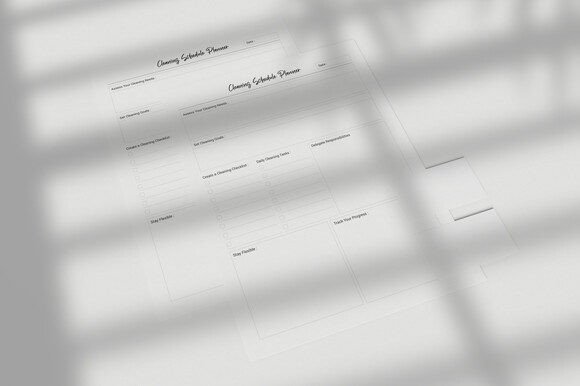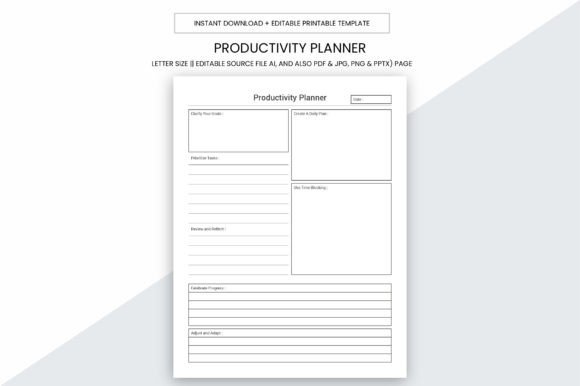
Productivity Planner Printable Page Note
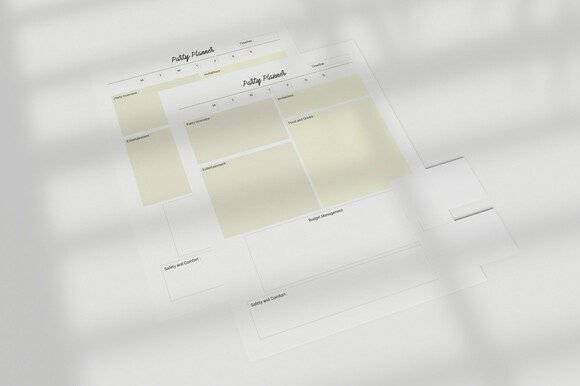
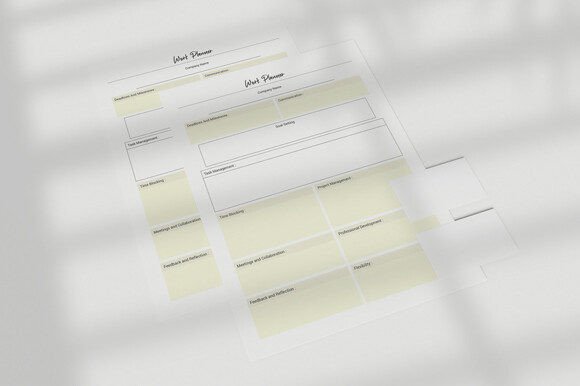
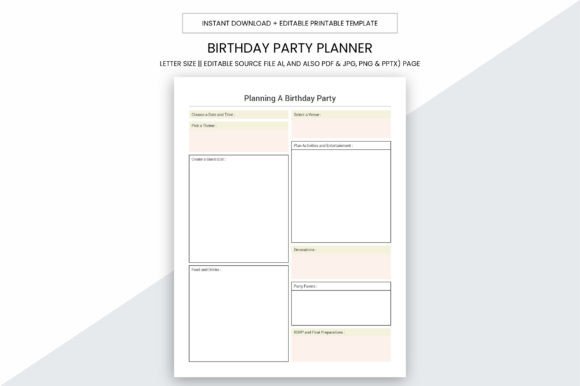
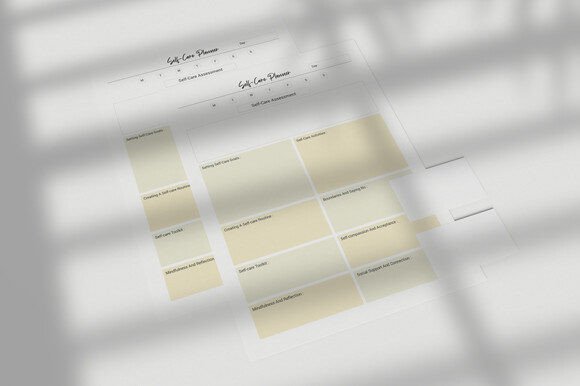
The Productivity Planner Printable Page Note is a digital planner resource designed for personal use, small business operations, or commercial resale—particularly through platforms like Kindle Direct Publishing (KDP). It consists of 109 ready-to-upload PDF pages, along with editable source files in Adobe Illustrator (AI), plus export formats including PDF, JPG, PNG, and PPTX. All pages are sized at 8.5 × 11 inches with no bleed, optimized for high-resolution printing at 300 ppi.
What This Resource Offers—and What It Doesn’t
This planner is not a physical notebook or a subscription-based app. It is a downloadable digital asset intended for users who prefer to print, bind, or integrate pages into existing systems—or for creators aiming to publish a custom interior on KDP. Its value lies in flexibility: the AI file allows modification of fonts, colors, layout elements, and content structure before final output. The inclusion of multiple file types supports diverse workflows—PDF for immediate printing, JPG/PNG for visual previews or social media promotion, and PPTX for adapting layouts in presentation tools.
However, it does not include pre-filled content, coaching prompts, or guided exercises beyond standard planner templates (e.g., daily logs, weekly overviews, goal trackers). There is no built-in digital interactivity—no hyperlinked navigation, embedded forms, or auto-calculating fields. Users seeking dynamic functionality will need to add those manually or choose a different tool.
Who Might Benefit Most
Self-publishers targeting KDP may find this resource especially practical. The 109-page PDF interior meets Amazon’s formatting requirements for paperback journals and planners. With no bleed and consistent 8.5 × 11 dimensions, it avoids common upload rejections related to margins or resolution. The AI source file enables branding adjustments—logo placement, cover integration, or style alignment—without relying on external designers.
Small business owners or freelancers managing time across multiple clients or projects can use the printable pages to create a low-cost, customizable logbook. Since each page is editable, users can tailor sections to track billable hours, client notes, project milestones, or inventory without recurring software fees. Printing locally also avoids dependency on cloud storage or device compatibility.
Individuals preferring analog planning benefit from the tactile experience of writing by hand while retaining design control. Unlike mass-produced planners, this version allows selective printing—only the pages needed each week—and eliminates unused sections that clutter generic notebooks.
Tradeoffs and Practical Considerations
Using a printable planner requires access to a reliable printer and appropriate paper stock. While 300 ppi ensures sharp text and clean lines when printed, results depend on printer calibration, ink type, and paper weight. Glossy or heavy cardstock may not feed smoothly in all home printers; testing a single page first is advisable.
The editable AI file demands familiarity with vector design software. Users unfamiliar with Adobe Illustrator may face a learning curve adjusting layers, text boxes, or grid systems. Alternatives like Canva or Google Slides won’t support AI files directly, limiting customization unless converted—a step that may reduce editability or introduce formatting shifts.
For those prioritizing portability or real-time sync across devices, a printable planner lacks the convenience of mobile apps like Notion or Todoist. There’s no search function, backup automation, or cross-device updates. If mobility or digital searchability is essential, this format may introduce friction rather than streamline workflow.
When Alternatives May Be More Suitable
If your primary need is daily habit tracking with reminders and analytics, dedicated habit-tracking apps offer automated logging, streak visualization, and behavioral insights unavailable in static printable pages.
If you require collaborative planning—such as shared calendars, team task assignments, or comment threads—a printable planner cannot support real-time collaboration. Cloud-based tools like Trello, ClickUp, or even shared Google Docs provide better infrastructure for group coordination.
If you’re building a brand-focused KDP product but lack design experience, consider whether outsourcing layout refinement would be more efficient than self-editing the AI file. Some creators find it faster to hire a designer familiar with KDP specifications than to troubleshoot margin errors or font licensing issues independently.
Making an Informed Choice
Evaluate your goals before selecting this resource. Ask yourself:
- Do I need full control over layout and branding for a KDP launch—or am I comfortable using pre-designed interiors?
- Do I regularly print documents, or would sourcing a local print shop add complexity or cost?
- Is my workflow centered around handwriting and physical review—or do I rely on digital search, tagging, and backups?
- Do I have access to Adobe Illustrator—or am I prepared to learn its basics or seek help for edits?
If most answers point toward hands-on customization, offline use, and print-first habits, the Productivity Planner Printable Page Note aligns well. Its strength is modularity—not out-of-the-box polish—but that modularity only delivers value if matched with intention and capability.
For those still exploring options, compare similar resources by checking file inclusions (source vs. flat PDF), KDP readiness (bleed, trim size, spine calculations), and licensing scope. Some digital planners restrict commercial use or prohibit resale; this version explicitly permits personal, commercial, and KDP use—making it suitable for entrepreneurs building scalable digital products.
Ultimately, the decision hinges less on features alone and more on how those features integrate into your actual routine. A planner is only effective when used consistently—and consistency depends on fit, not just function.